V-Ray tab
This page provides information on the V-Ray tab in Render Setup window.
Overview
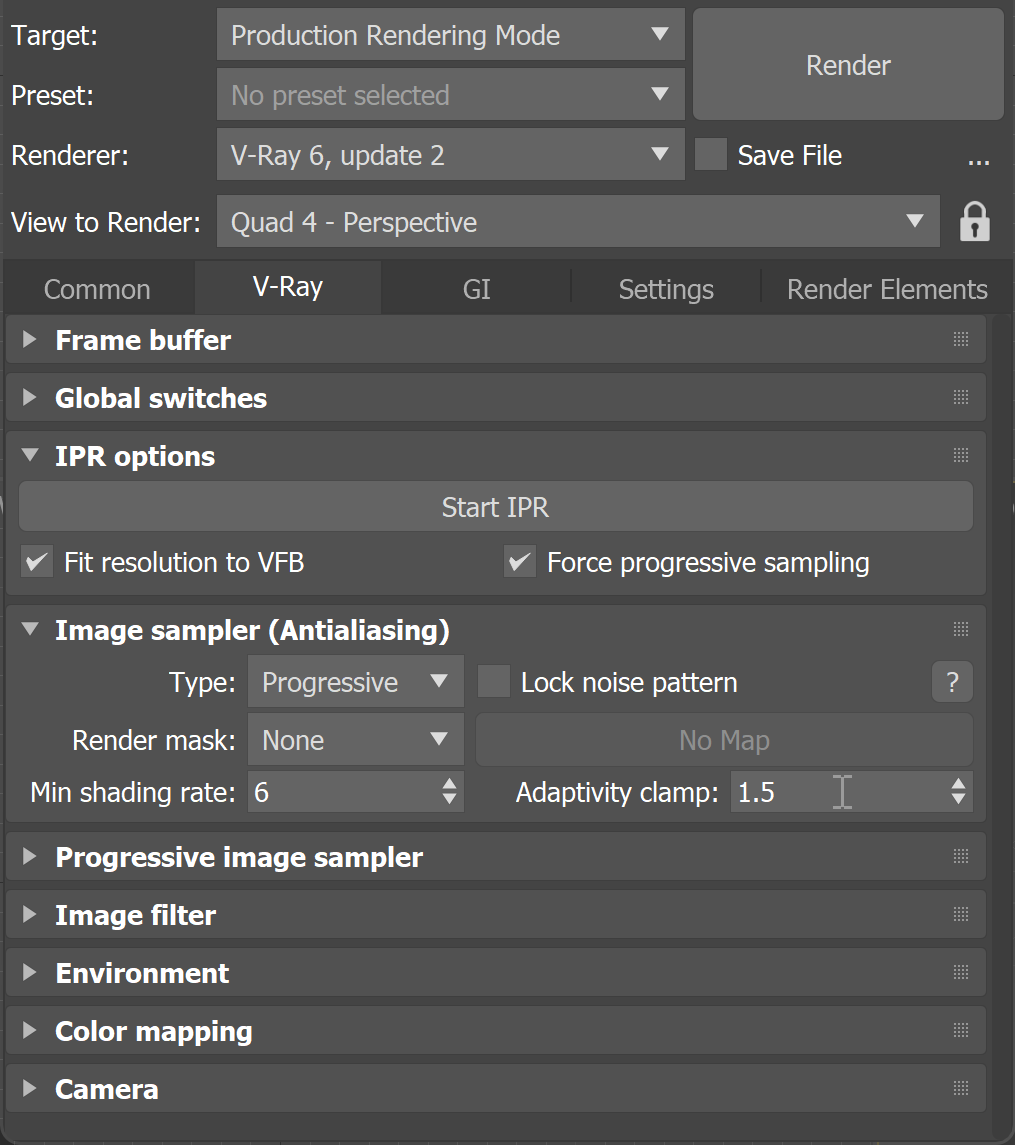
The V-Ray tab controls the image sampler and includes customizable settings for camera, environment, VFB settings. The V-Ray tab is available in the Render Setup window.
UI Path: ||V-Ray Render Setup window|| > V-Ray tab (Renderer set to V-Ray)
Rollouts
The V-Ray tab consists of several rollouts:
Image Sampler (Antialiasing)
Sets the method for sampling subpixel colors to determine the best color for each pixel in the final rendering.
Environment
Specify colors and texture maps to be used during GI and reflection/refraction calculations.
Camera
Settings for camera projection, motion blur, and depth of field.