VRayBumpMtl
This page provides information on the Bump Material.
Overview
The VRayBumpMtl gives the ability to add bump map and normal map effects when using any material.
Simply connect a material into the VRayBumpMtl node to add additional bump or normal map functionality. Stacking multiple VRayBumpMtl nodes together can create a more complex surface material by allowing the use of several bump and or normal maps together easily.
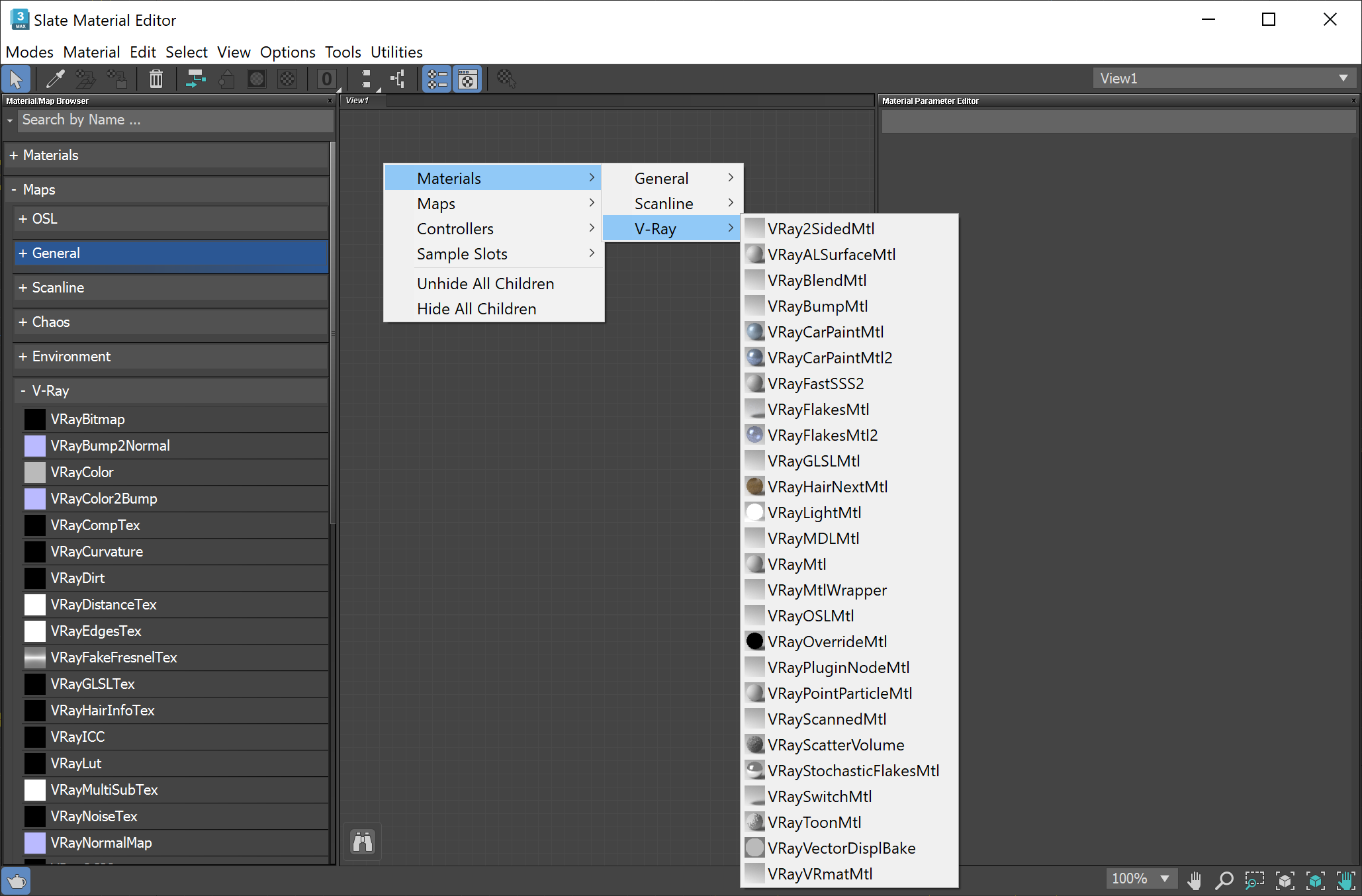
UI Path: ||Material Editor|| > Material/Map Browser > Materials > V-Ray > VRayBumpMtl
©
Milo Liao
Parameters
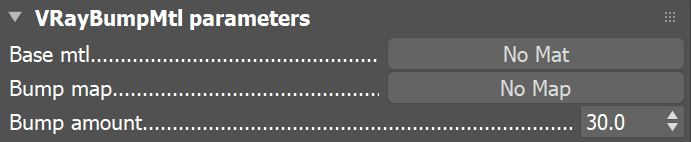
Base material – Allows you to select the base material to which the bump effect is added.
Bump map – Specifies the bump/normal map that is going to be used.
Bump amount – Specifies a multiplier for the bump effect.