VRScansPMaskElement
This page gives information about the VRScansPMaskElement Render Element.
Overview
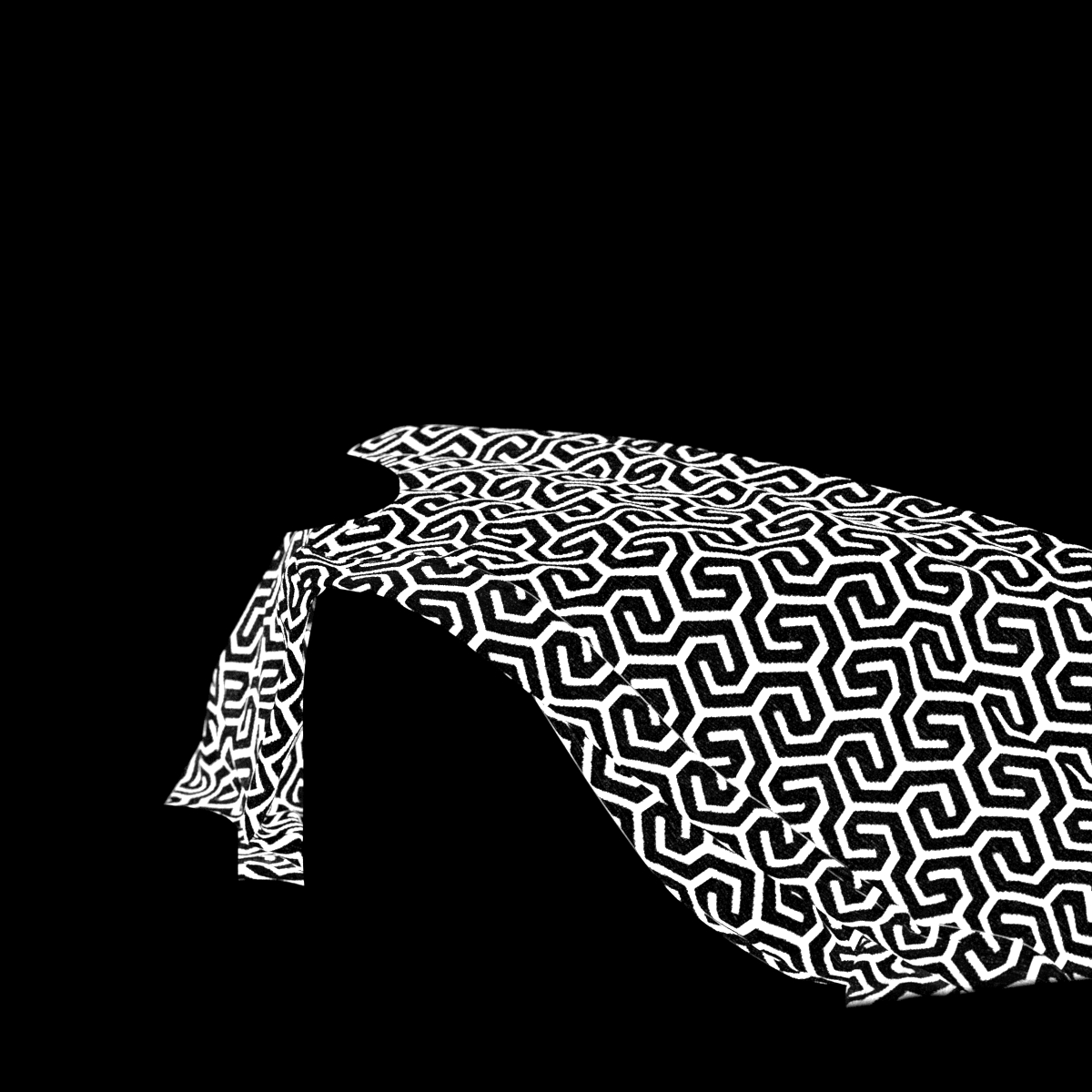
VRScansPMaskElement render element allows color changes to a V-Ray Scanned Material in post-compositing. It provides a mask for the V-Ray Scanned material that can be used to change its color.
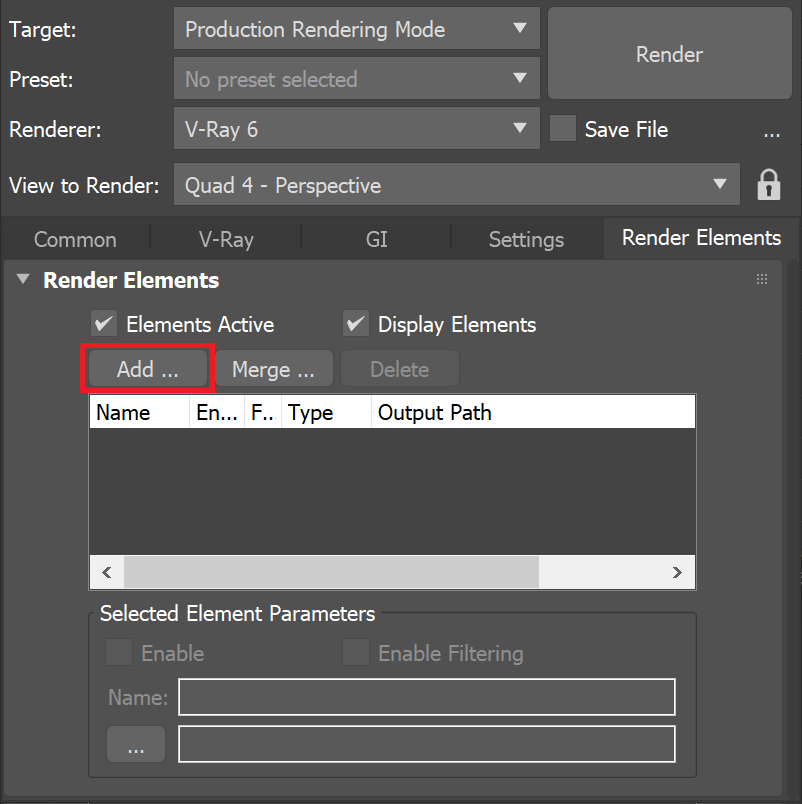
UI Path: ||Render Setup window|| > Render Elements tab > Add button > VRScansPMaskElement
Parameters
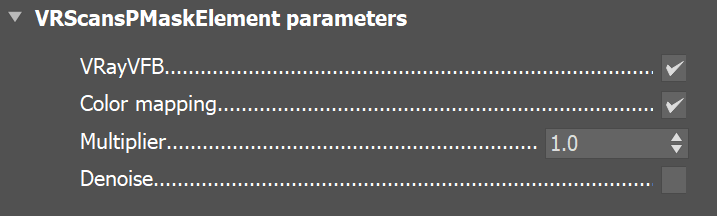
This render element is enabled through the Render Elements tab of the Render Setup window in 3ds Max and displays its parameters in a rollout at the bottom of the window:
VRayVFB – When enabled, the render element appears in the V-Ray Virtual Frame Buffer.
Color mapping – Applies the color mapping options specified in the Color mapping rollout (Render Setup window > V-Ray tab) to this render element. This option is enabled by default.
Multiplier – Sets the overall intensity of the render element, where 1.0 is the standard multiplier.
Denoise – Specifies whether to denoise this render element.
Common Use
The VR ScansPMaskElement Render Element is most commonly used for isolating and editing V-Ray Scanned Materials in a compositing of editing software. See the render before and after compositing.BeforeAfter