Textures
This page provides links to the textures available with V-Ray for 3ds Max.
Overview
V-Ray for 3ds Max adds a number of textures specifically for use with V-Ray Materials.
See the links below for more information on specific textures.
UI Path: ||Material Editor || > Material/Map Browser > Maps > V-Ray
In V-Ray 6, most V-Ray materials and textures use QT for their GUI in 3ds Max versions 2019 and later. This means they will follow 3ds Max’s logic for RMB actions on the spinners. RMB will reset the values to minimum and Ctrl+right-click will set the values to their default.
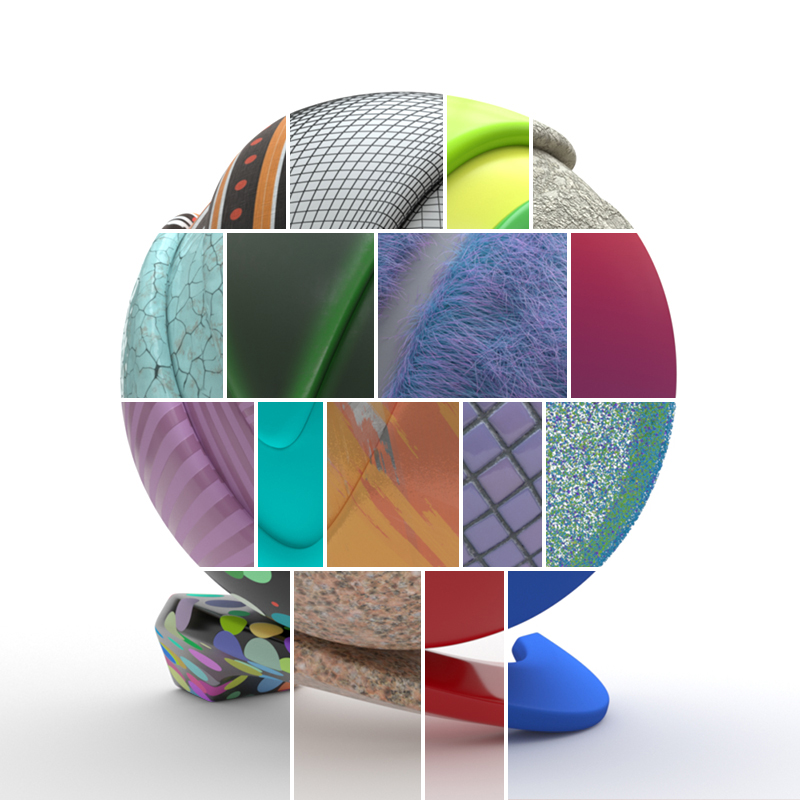
V-Ray Textures
The textures found in V-Ray for 3ds Max can be divided in groups based on the purposes they serve.
Textures Tools and Utilities
V-Ray comes with additional texture tools to assist in texture creation:
Image to tiled multiresolution EXR converter
A standalone tool that converts a variety of image formats to .exr files in OpenEXR format.
V-Ray Bitmap to VRayBitmap converter tool
A tool that converts 3ds Max Bitmap texture to VRayBitmap textures.